Aesthetic fonts play a crucial role in design, offering a way to convey personality and emotion through typography. Whether you’re working on a marketing campaign, a social media post, or any other graphic design project, choosing the right font can significantly enhance the visual appeal of your text.
This guide provides a comprehensive step-by-step process for designing text with aesthetic fonts, from selecting the right font to exporting your final design.
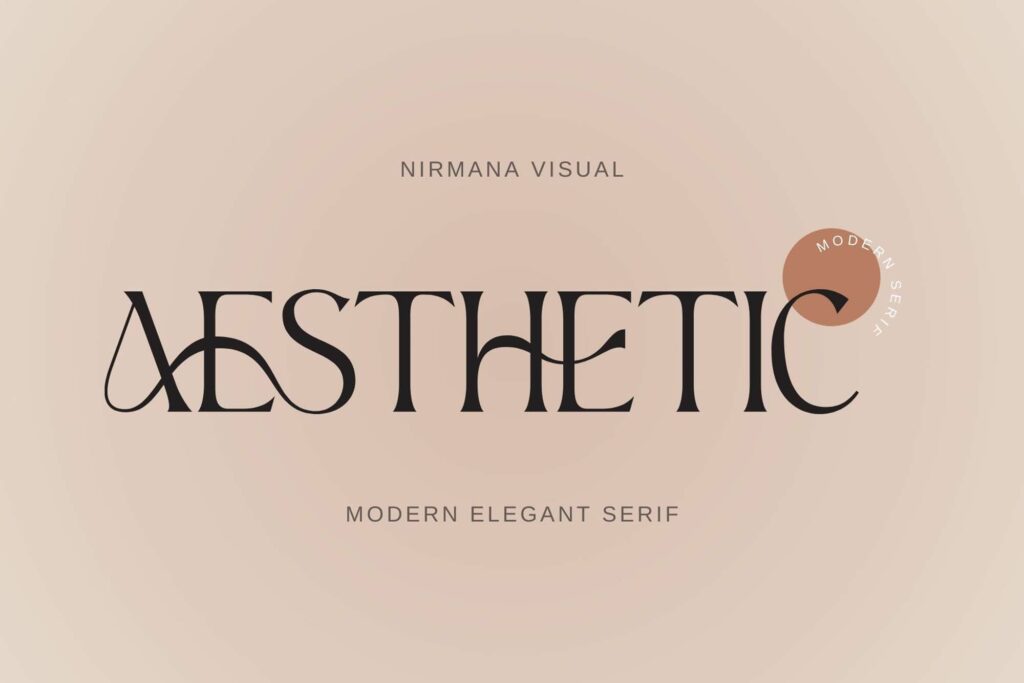
Step-by-Step Tutorial
Step 1: Research and Select or Create an Aesthetic Font
- Define Your Project Goals: Determine the purpose of your design and the message you want to convey. Consider the tone, audience, and overall style of your project to choose a font that aligns with these elements.
- Browse and Select from Recommended Font Sites: Explore various font sites to find aesthetic fonts that fit your project. Here are some top resources:
- Google Fonts: Offers a wide range of free, web-friendly fonts. Link
- DaFont: Provides numerous free fonts, including decorative and themed options. Link
- FontSquirrel: Features hand-picked, high-quality fonts that are free for commercial use. Link
- Adobe Fonts: Access premium fonts included with Adobe Creative Cloud subscriptions. Link
- Lingojam: Provides popular tools for generating custom and aesthetic fonts, allowing you to create unique typefaces tailored to your design needs. Link
- FontFF: Known for its popular font generators, FontFF provides a range of aesthetic font options and tools for creating customized typefaces. Link
- Download and Install the Chosen Font: After selecting a font, download the file from the font site. Install the font on your computer. On Windows, right-click the font file and select “Install.” On macOS, double-click the file and click “Install Font.”
Step 2: Prepare Your Design Tool
- Set Up Software: Choose a design tool that suits your needs. Popular options include Adobe Illustrator, Canva, or other graphic design software.
- Import and Activate Your Font: Open your design software and import the newly installed font. In Adobe Illustrator, for example, you may need to restart the application for the font to appear in your font list.
Step 3: Create Your Text Design
- Type Your Text and Apply the Chosen Font: Start a new project and type out the text you want to design. Select the text and apply the aesthetic font you’ve chosen.
- Adjust Font Size, Style, and Color: Modify the font size to fit your design layout. Choose a style (e.g., bold, italic) and color that complements the rest of your design.
Step 4: Customize Your Text
- Modify Spacing, Alignment, and Other Typographic Elements: Adjust line height (leading) and letter spacing (tracking) to improve readability. Align your text according to your design needs.
- Apply Additional Effects: Enhance your text by adding effects such as shadows, outlines, or textures. These effects can add depth and interest to your design. In Adobe Illustrator, use the “Effects” menu to experiment with different options.
Step 5: Review and Refine
- Preview Your Design in Different Formats: Check how your design looks in various formats and sizes. Ensure that the text is readable and visually appealing across different devices or mediums.
- Make Necessary Adjustments: Refine your design based on your review. Make any necessary changes to spacing, effects, or font choices to achieve the desired outcome.
Step 6: Export Your Design
- Save and Export in Appropriate Formats: Save your design in the file format best suited for your project. Common formats include PNG for digital use and PDF for print.
- Prepare Files for Print or Digital Use: Ensure that your files are correctly formatted and optimized for their intended use. For print, make sure the resolution is high enough; for digital use, ensure the file size is appropriate.
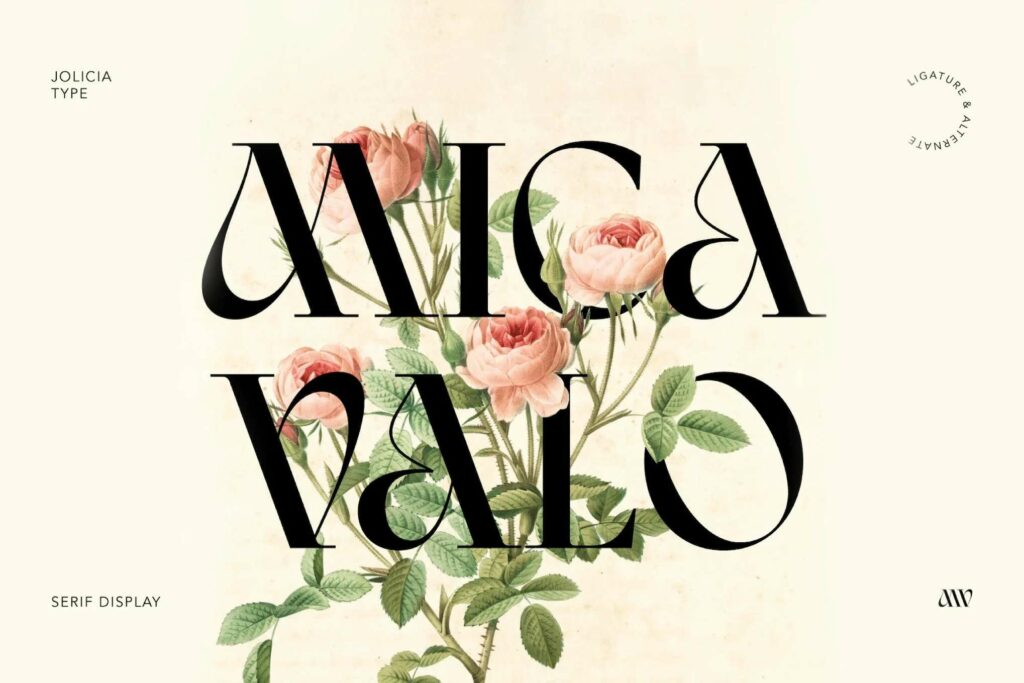
Designing text with aesthetic fonts involves a careful selection process and a series of steps to ensure that your text is both visually appealing and effective. By following this guide, you can create stunning text designs that enhance your project and captivate your audience.
Don’t hesitate to experiment with different fonts and effects to discover what works best for your design needs. For continued learning and inspiration, explore additional resources and tutorials on typography and graphic design. Happy designing!